Start a recording
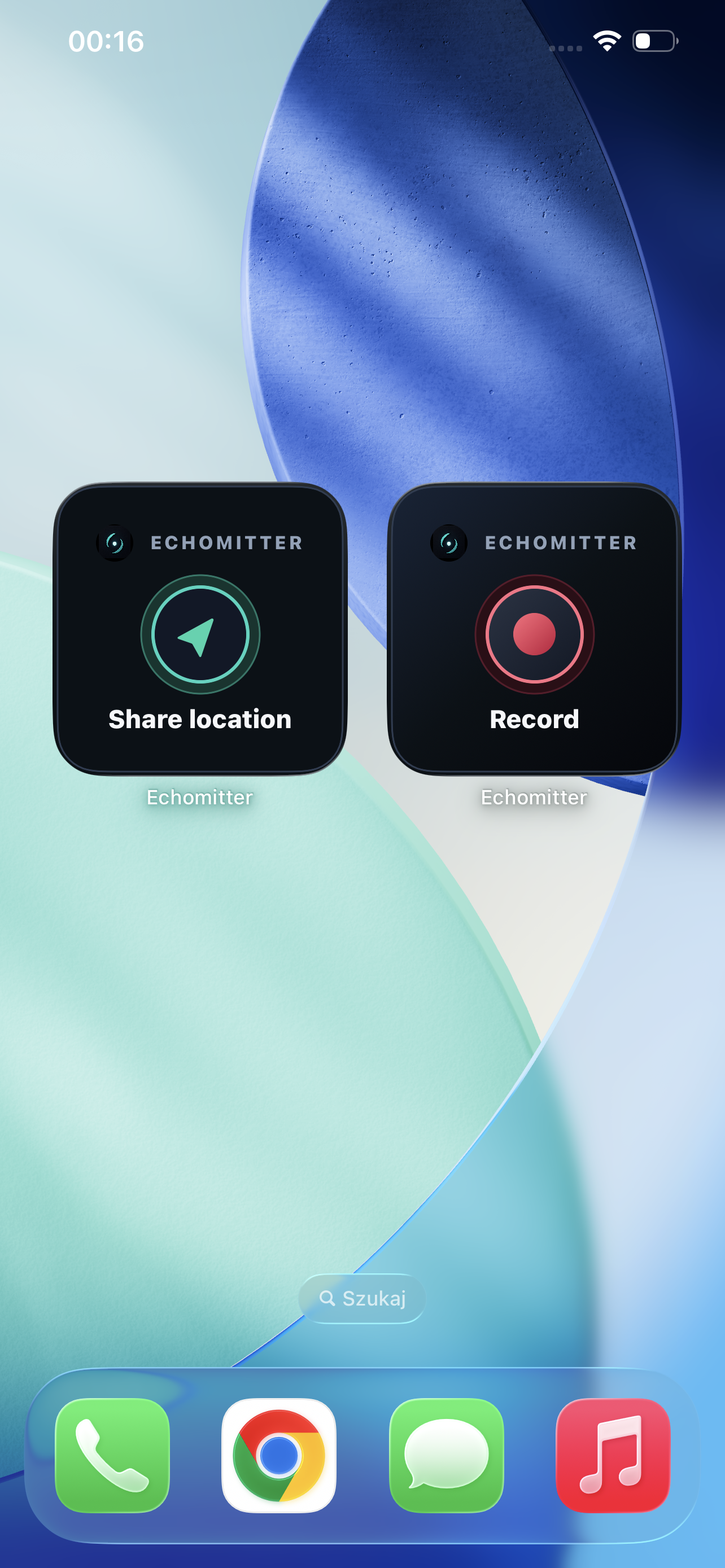
Open Echomitter or use the home-screen widget when you want an important situation documented.
Echomitter helps protect important video recordings from being deleted too quickly or under pressure. Start recording, upload whenever connectivity is available, and let trusted contacts help keep access safe.
Echomitter is not an emergency service. In immediate danger, contact local emergency services.
Recording is quick. Deletion is protected.
When footage matters, deleting it should not be a one-tap decision. Echomitter keeps deletion requests behind a safety period or trusted-contact approval.
Start a protected recording when an important situation needs to be documented.
Echomitter sends footage when connectivity is available and can retry after interruptions.
Trusted contacts can help protect access, review deletion requests, and view recordings when allowed.
How it works
An Echomitter account can protect your own recordings and can also help protect another person who adds you as a trusted contact.
Open Echomitter or use the home-screen widget when you want an important situation documented.
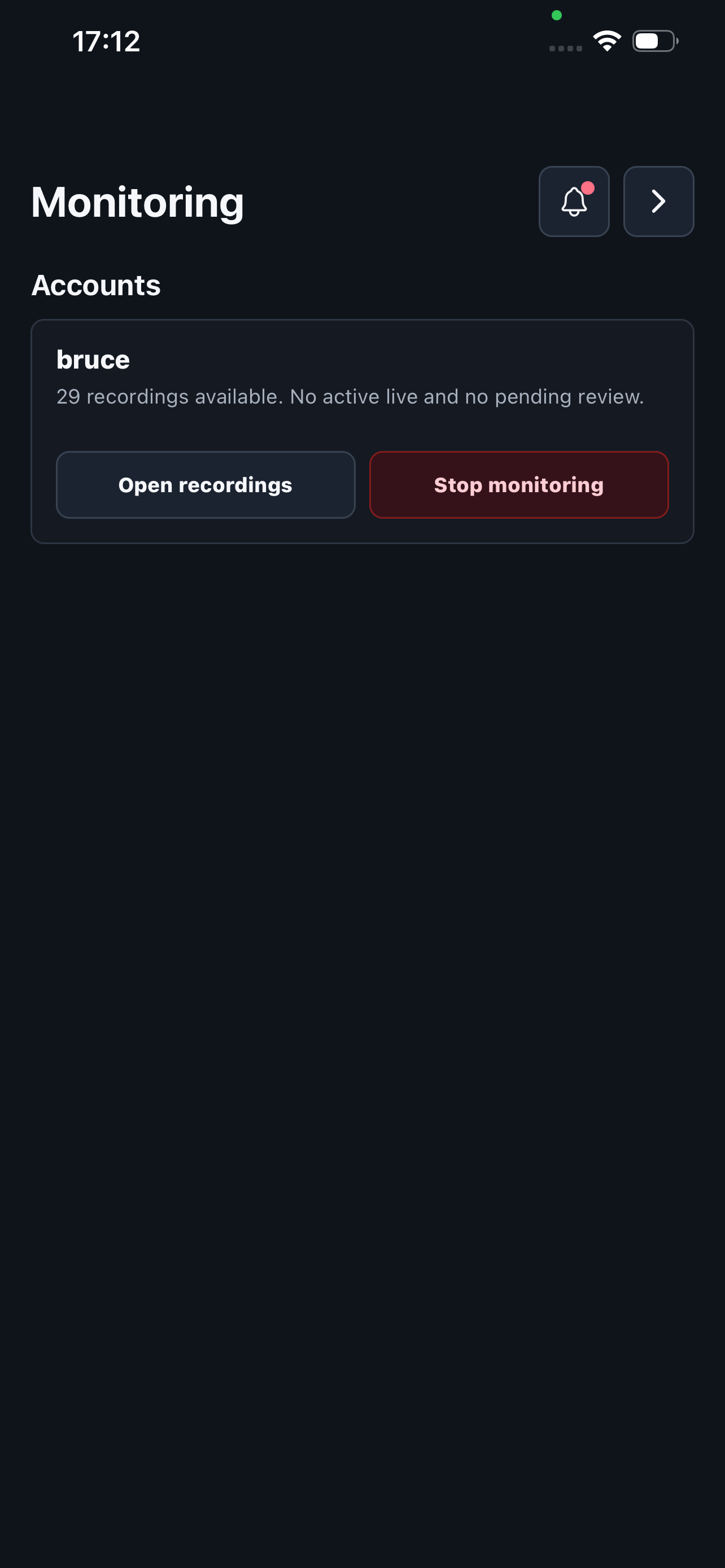
People you trust can receive alerts, view recordings, review sensitive requests, and get live access on Premium.
After recording, the footage can be reviewed and downloaded. If upload was interrupted, Echomitter attempts to continue when it can.
Free location sharing
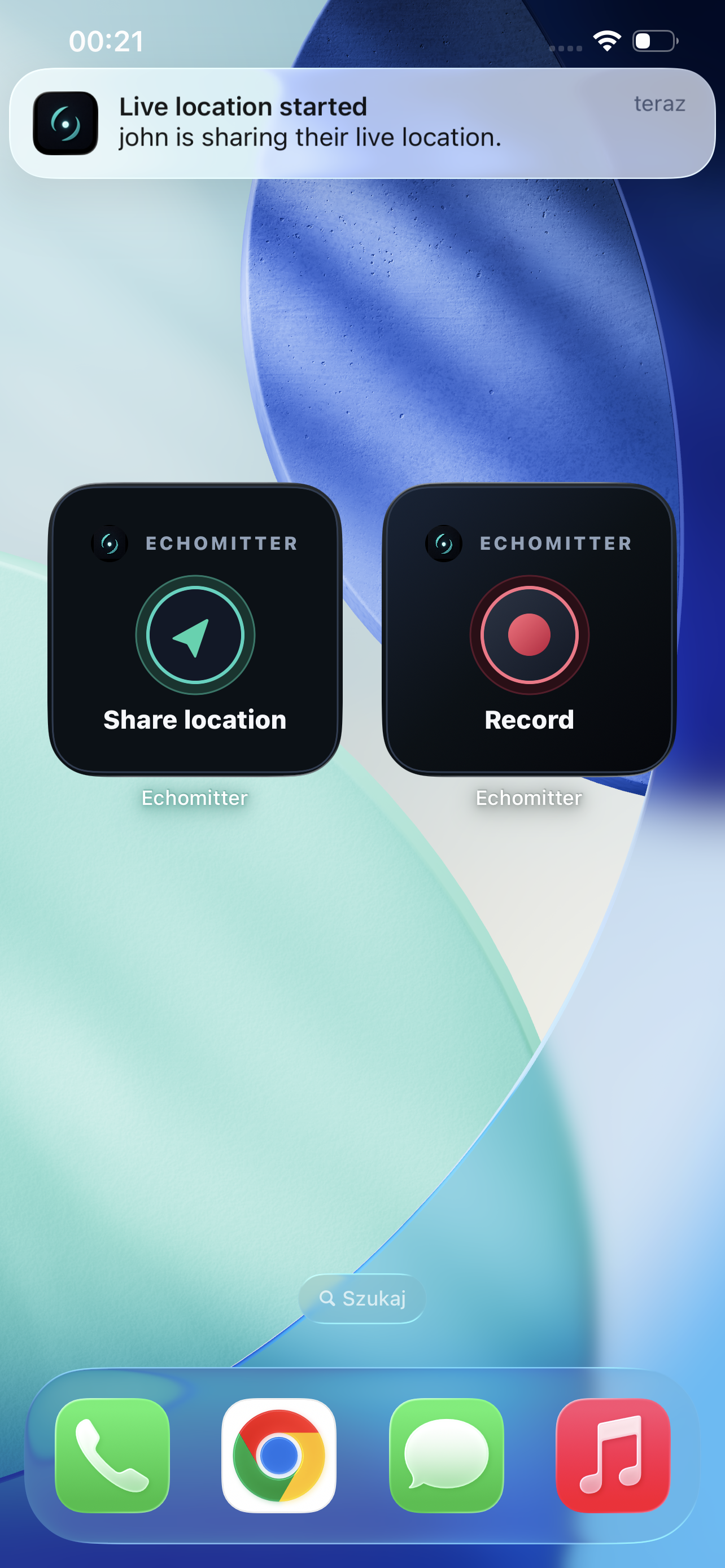
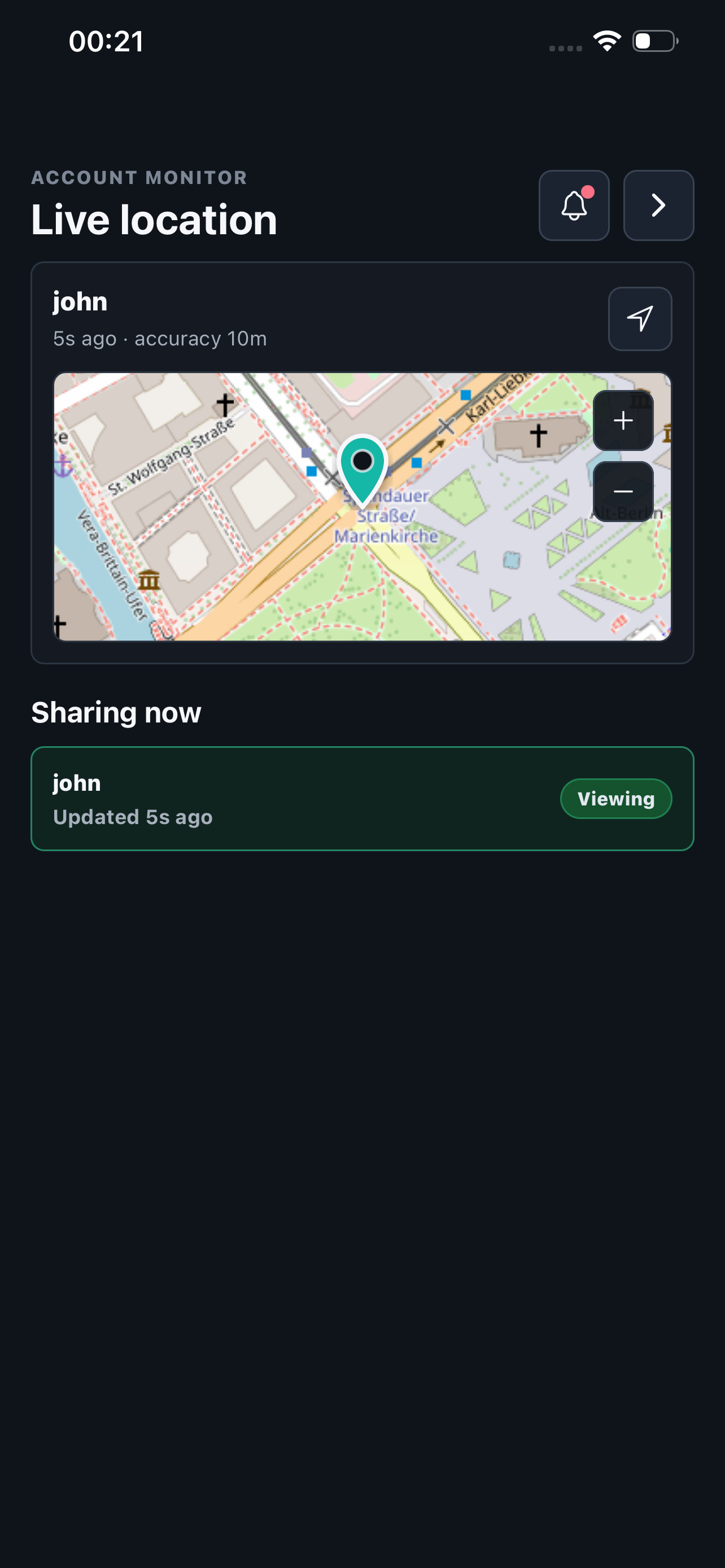
Start Live Location Sharing from Echomitter or its Home Screen widget. Your active trusted contacts can see your latest shared location until you stop the session.
Location Sharing is optional. It requires location permission and shares location only while an active session is running.
Inside Echomitter
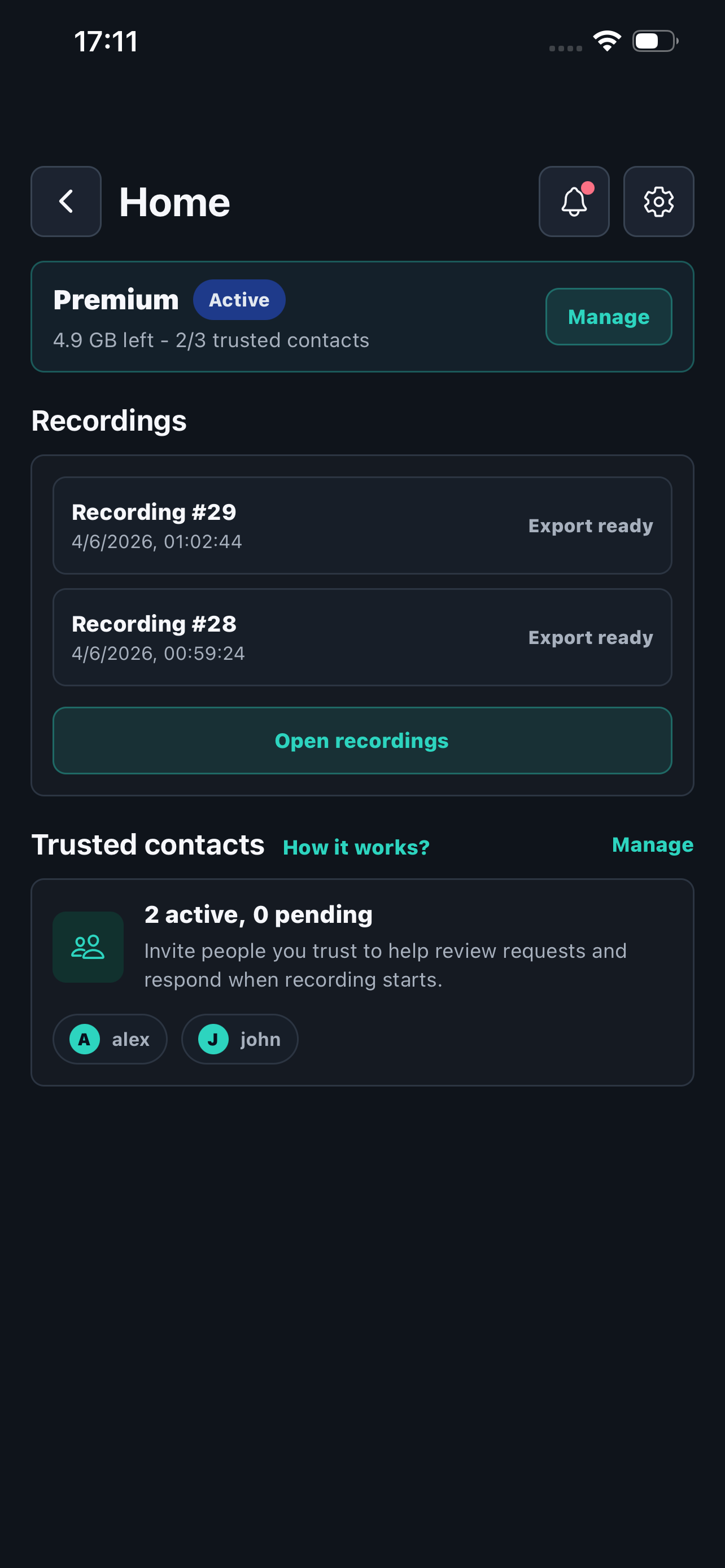
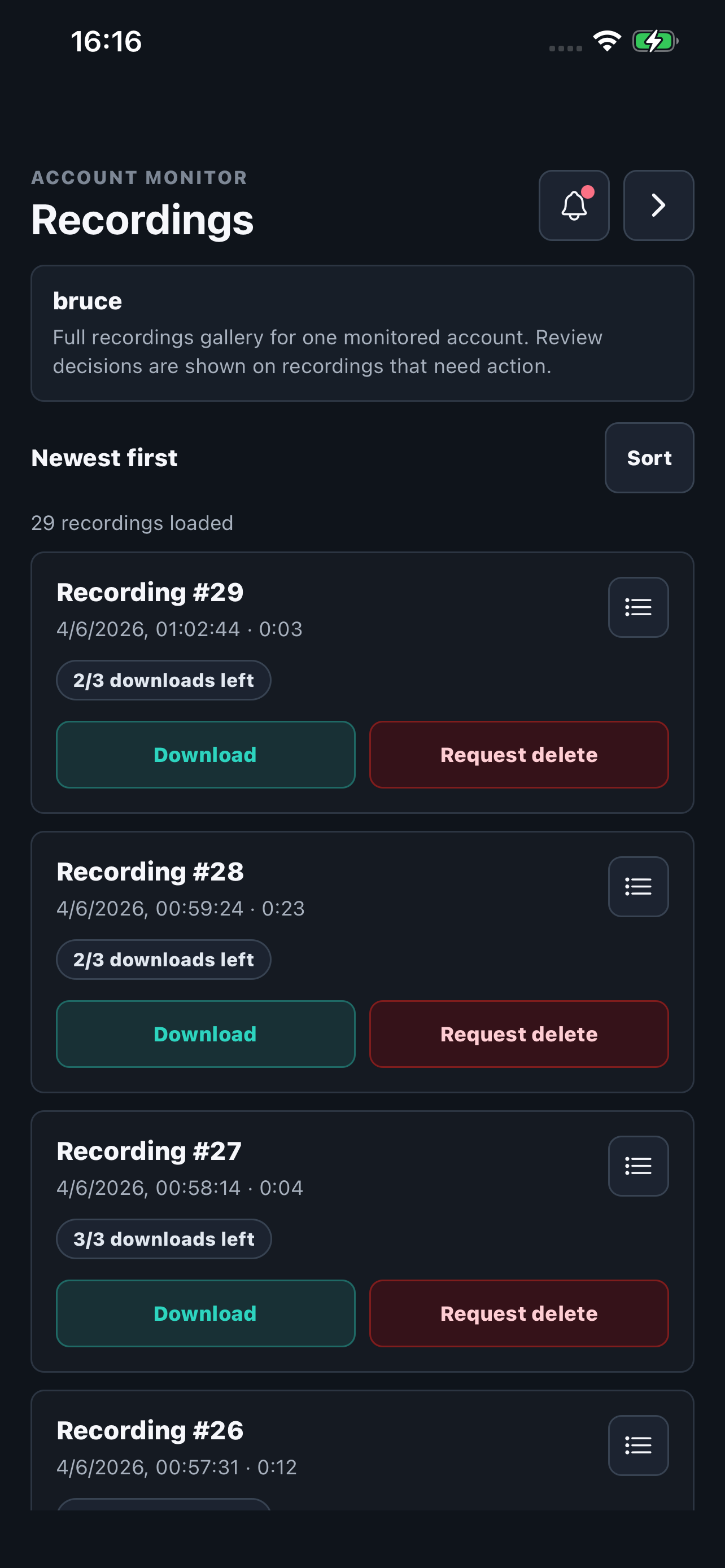
A look at the real app screens used to record, monitor, and review protected footage.
Features
Recordings cannot be removed instantly with one tap. Deletion requests wait for a safety period or trusted-contact approval.
Add trusted contacts who can receive notifications, view completed recordings, and review important recording or account requests.
Premium lets trusted contacts open a live view during active recordings and see live location when permission is granted.
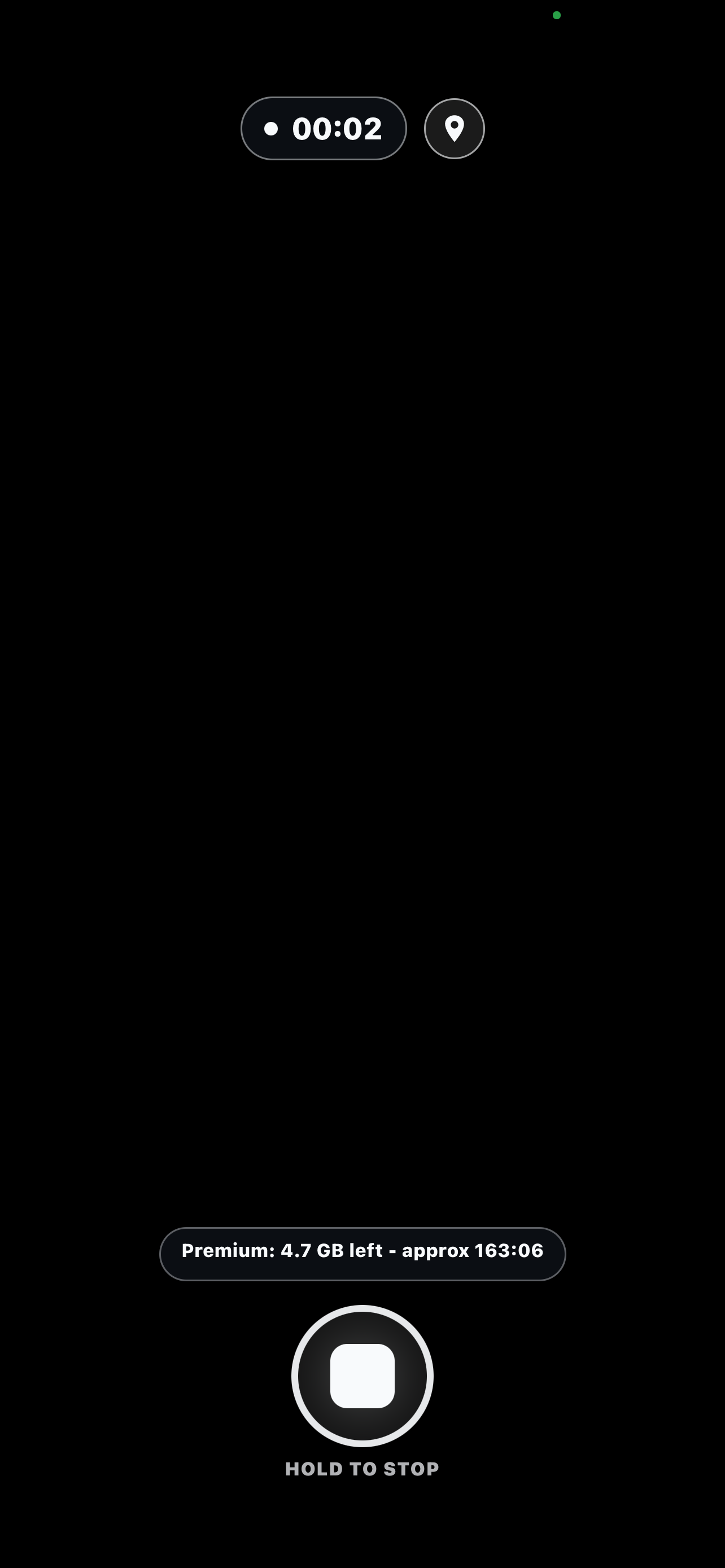
DIM Mode hides the camera preview and keeps the screen nearly dark while recording continues.
If connectivity drops, Echomitter keeps unsent recording data on the device and tries to continue upload later.
Start recording from your home screen widget after setup and sign-in are complete.
Plans
Reach out about the app, privacy, testing, or account support.
support@echomitter.com